Make a custom QR code for your shop
Turn your shop link into a QR code for packaging, business cards, signs, or social posts. Customize the colors and shapes, then download a PNG or SVG from your visitmy.shop dashboard.
Updated September 22, 2026
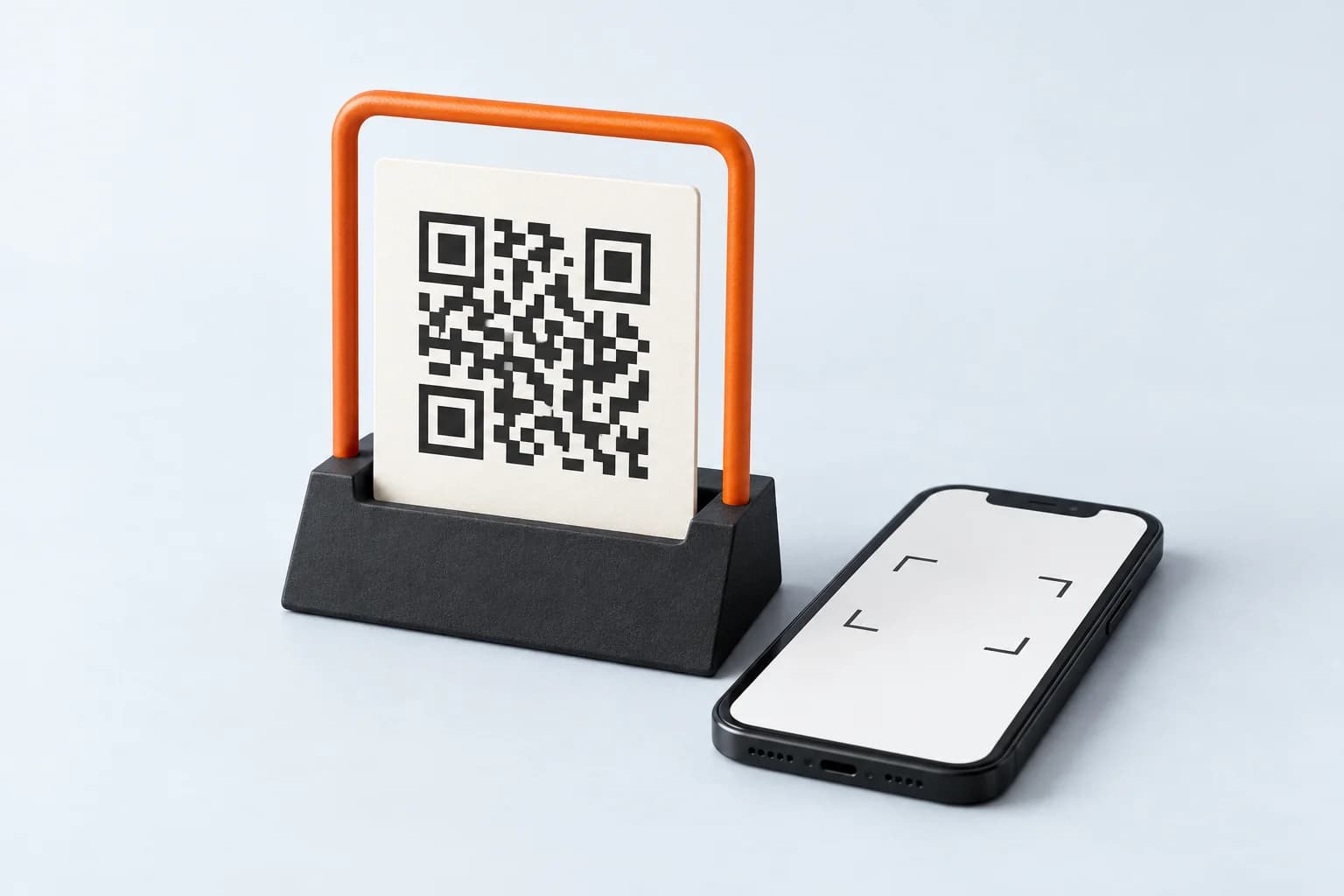
The shop QR code maker is available on Basic and Pro. Publish your store before sharing a code with customers.
Design your store free. Adding a card starts a 7-day Pro trial; it renews on Basic unless you choose Pro. See current plans and trial terms.
Bring people from a printed code to your store
Open QR code in your dashboard to generate a code for your shop address. A creator could add it to a workshop handout so attendees can find a follow-up guide or book a call. The code opens the shop; visitors still choose a product and complete checkout.
Match the code to your brand
Choose code, background, and corner colors using the pickers or exact hex values. Try six dot styles, three corner shapes, and square or circular corner centers while checking the live preview. Reset the design whenever you want to start again.
Export for your layout
Download a 1024-pixel PNG for a raster layout or an SVG for scalable artwork. Design controls apply to the current editing session and the exported files. Save your download: the editor does not save a reusable QR design for a later visit.
Test at the size people will scan
Keep the border intact and use colors with enough contrast. Scan a test print at its intended size before ordering a batch. The editor offers low-contrast guidance, but a successful scan still depends on your final size, colors, and print quality.
Know which link the code contains
The code uses your canonical visitmy.shop address and is generated in your browser. It keeps the same destination if you disconnect a custom domain. Changing your shop username requires downloading a new code and replacing any printed copies.
Questions before you start
Can I download SVG and PNG versions?
Yes. The editor exports a scalable SVG and a 1024-pixel PNG with the selected design.
Does the code use my custom domain?
No. It uses your visitmy.shop address, so disconnecting a custom domain does not change its destination.
Are my QR designs saved?
No. Customizations apply to the current editor session and exported files. Keep the downloaded artwork if you want to reuse the same design.
Build the rest of your store
- Sell digital downloads from your Instagram bio
- Sell coaching calls from your Instagram bio
- Instagram auto-replies for product links and FAQs
- Connect a custom domain to your creator storefront
- Create a brand kit for your creator store
Follow the Instagram selling guide, compare visitmy.shop with Stan Store, or check pricing.